KonanLink searches any documents you need for work from your PCs,
smartphones, clouds & emails in 1 second.
What is KonanLink?
You go through lots of documents, email attachments, files, and folders
every day across work computers, smartphones, cloud services, and email
services. So you probably spend a lot of time for sifting through those places
to find a document you need, because it is hard to remember the exact location
you stored it in, and remember the exact name.

But KonanLink is designed to help you find the exact document you want,
from any location, in an instant. KonanLink can ease that worry by searching
through every connected email, Mac and Windows computers, smartphone, and cloud
storage service to find exactly what you need.
Connecting accounts takes just a few seconds, and every search is
performed in a matter of seconds, getting the results you need right away. It
is also possible to share it with anyone you want immediately.
KonanLink…
Searches all at once.
KonanLink will search through all connected services and devices at once
and find what you are looking for in just 1 second. KonanLink supports 2
computers (Windows PC, Mac), 2 smartphones (iPhone, Samsung Galaxy, etc),
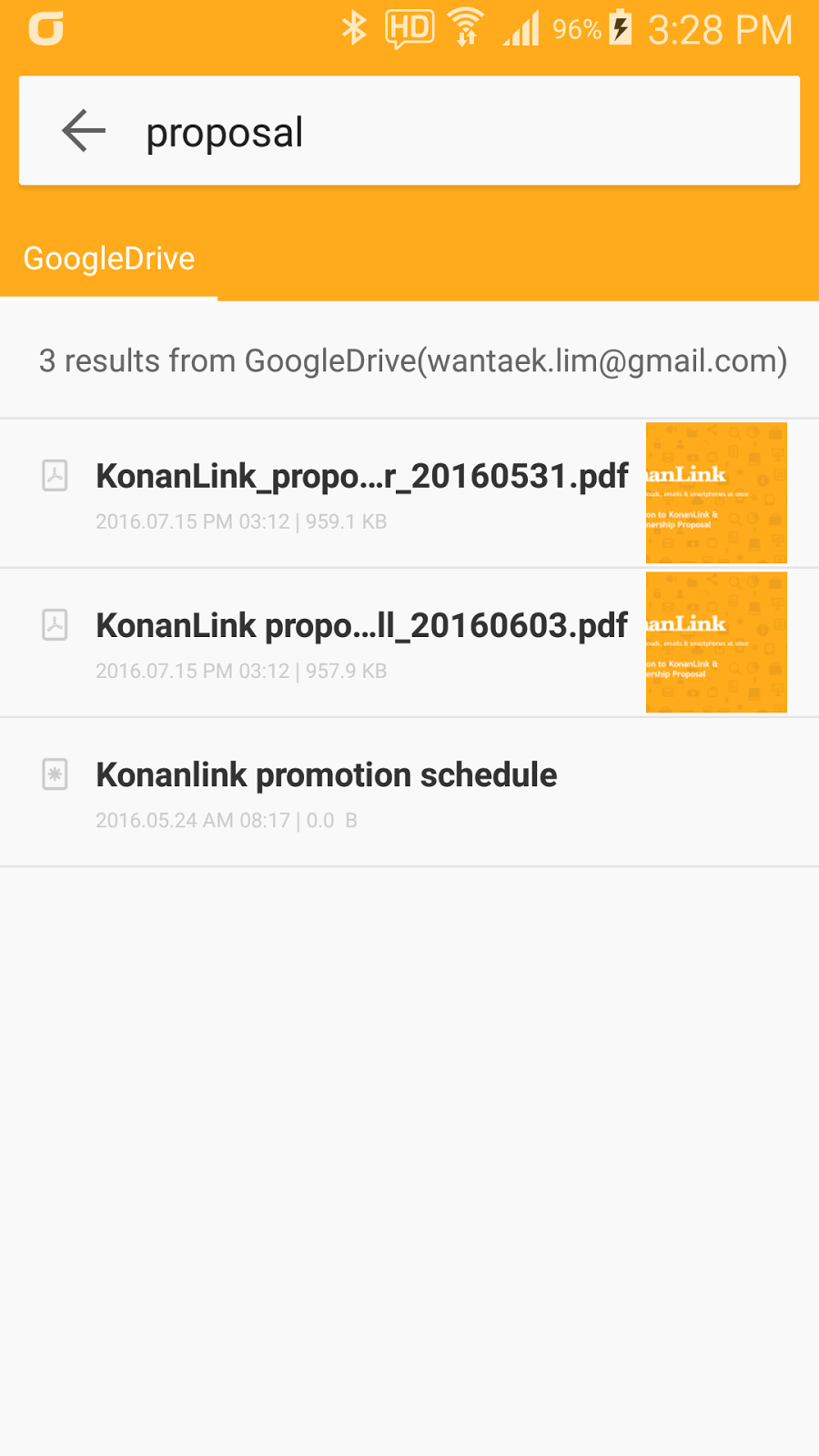
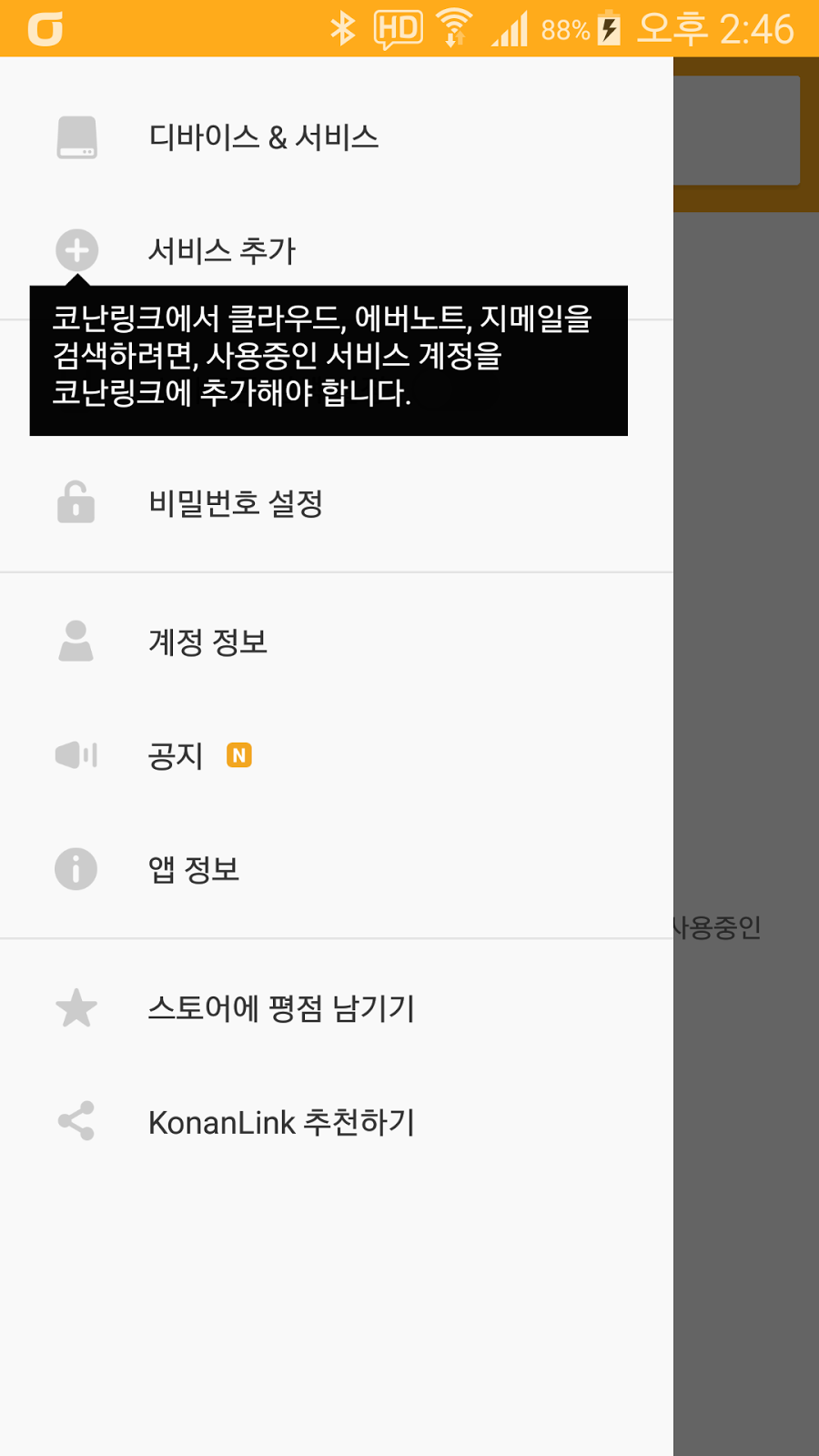
Outlook, Maximum of 5 accounts from Dropbox, Google Drive, MS One Drive, file
server, Gmail, webmail (IMAP), Evernote.
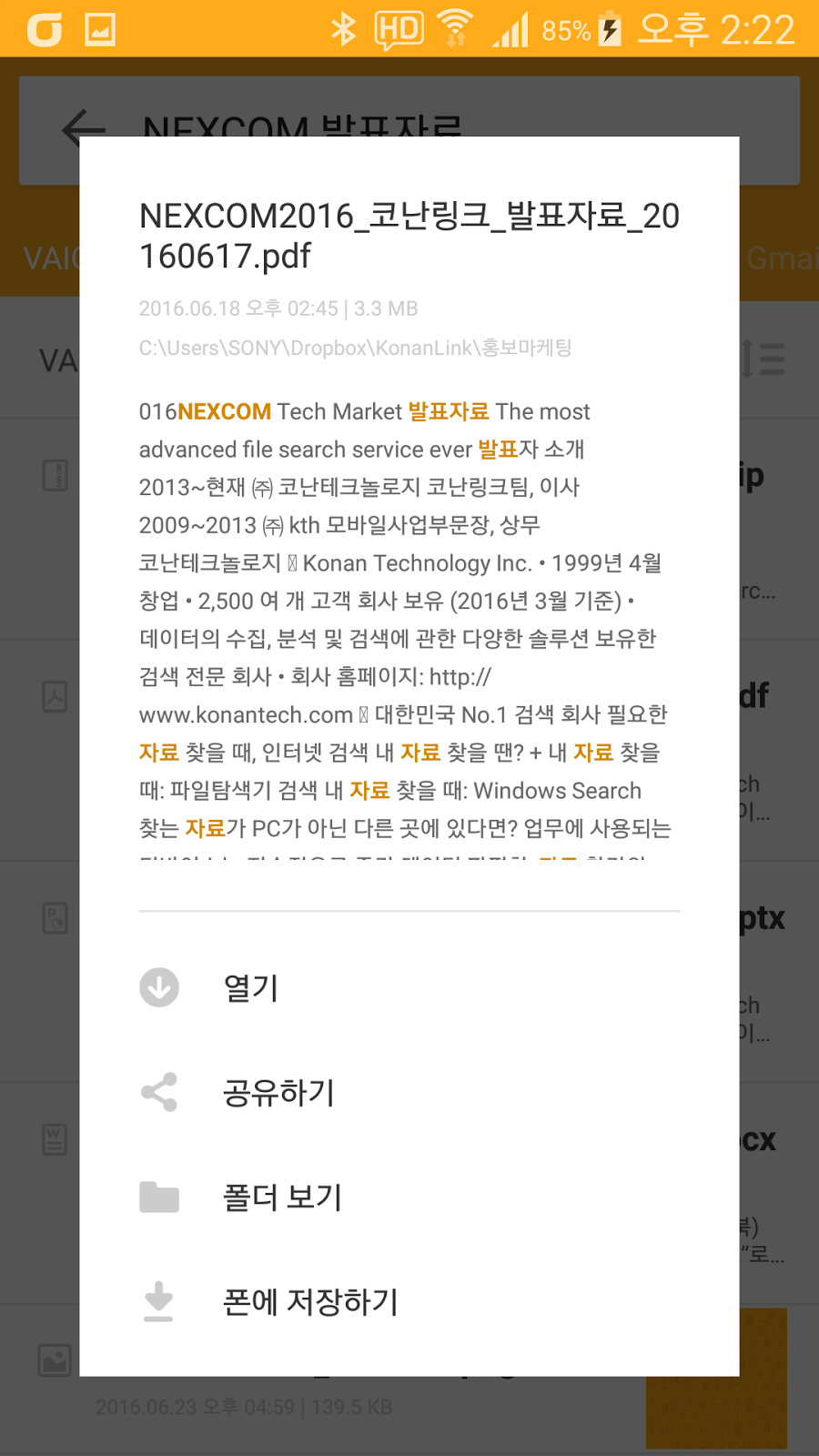
Search through contents of PDF, DOC, PPT, XLS, even ZIP.
Don’t remember the title or name of the document? KonanLink searches by
keywords, titles, phrases and even through attachments.
Search remotely from anywhere.
With KonanLink, you could access your office PC from anywhere in the world
using your smartphone.
Ensure
your privacy
KonanLink turns your own computer into your personal search server, so
your documents aren’t copied or shifted to any place other than your devices.
This allows you to retain complete control over every location where your
documents live.

When you
decide to give KonanLink access to a document, KonanLink only makes a brief
scan when searching. There is no copying or outside handling of your data, and
KonanLink users secure connections to prevent data loss.
Follow
us
You can see more information about KonanLink by just following here.