Showing posts with label remote search. Show all posts

Jul 19, 2016

With KonanLink, find any documents in 1 sec from anywhere!

KonanLink can search any documents from the devices and services below:

- PC, Mac
- iPhone, Android phone
- Dropbox, Google Drive, MS OneDrive
- File server
- Outlook, Gmail, Webmail
- Evernote

More info: www.konanlink.com


Jun 7, 2016

KonanLink: the most advanced file search service

The chart compared with other services (Windows Search, ES File Explorer, and Lenovo REACHit) shows at a glance why KonanLink is the most advanced file search service ever.


KonanLink

-      Searches all of the PC, smartphone (iPhone, Samsung Galaxy, etc) cloud services (Dropbox, Google Drive, MS OneDrive), Email (Outlook, Gmail, etc), and Evernote.
-      Searches the attached files.
-      Searches by titles as well as contents.
-      Searches the devices and services remotely.
-      Ensures user privacy.
-      Provides a fast search speed.
-      Provides remote file explorer.

Moreover it’s free!

More info. & download: www.konanlink.com


Apr 1, 2016

[Notification] Search a file on file servers from KonanLink

KonanLink can now search a file on office file servers.

To search for a file on file servers, your KonanLink account must be registered to the user list of file server that you want to add to KonanLink.


If your account is NOT registered to the user list of the file server, please let the administrator of the file server register your KonanLink account.


If your account is registered, Select ‘Menu > Add service > FILE SEVER’, and then select the file server that you want to add to KonanLink from the list of file server.


Now you can search a file on the file server from KonanLink.


Mar 15, 2016

[Notification] Search Gmail from your smartphone without installing KonanLink on your PC

Until now, KonanLink PC version had to be installed in order to search Gmail from your smartphone. 

However, from now on, you can search Gmail from your smartphone without installing KonanLink on your PC.


So KonanLink supports the following devices:
-       2 user PCs (Windows, OSX)
-       2 smartphones (iPhone, Android phone)
-       Outlook mail
-       Maximum of 5 accounts from Dropbox, Google Drive, MS OneDrive, File Server (will be supported in late-March), Gmail, Mail (IMAP), Evernote (You may use all 5 accounts as 'MS OneDrive' or 'Gmail,' and also you may use both personal and office accounts.)


However, please note that KonanLink PC version is still required to search user PC, Outlook mail, Mail (IMAP) and smartphone.


Nov 25, 2015

KonanLink, the simplest way to search and share file from office PC using iPhone 6S

You are away from the office, and your customer or boss asks for an urgent file. You have no idea where it is, or you find out that the file is only saved in your office PC.


With one simple search using your iPhone 6S, KonanLink will scan any file from office PC, Outlook mail, web mail, Dropbox, Google Drive, Evernote and iPhone 6S in just 1 second.


Once you find the file you need, you can immediately open or save the file, or send to your customer or boss.


More info. & download KonanLink: www.konanlink.com

Nov 20, 2015

[Notification] KonanLink’s new promo video! (Subtitle provided)

"With one simple search, KonanLink scans through all of the files on your clouds, emails, and work or home computers, just by using your phone."

"KonanLink allows you to search by titles, keywords, or phrases."

"And it will even search through the contents of PDFs, Word documents, PowerPoint presentations, Excel spreadsheets, and just about anything else."

"Once you find what you’re looking for, you can easily open, save, or share it with someone who needs it."


Sep 3, 2015

Just spend 10 seconds to search Outlook mail from iPhone6 or Samsung Galaxy Note5 and send to boss or customer!

KonanLink, a free personal unified search service, can search Outlook mail title, content and even attachment from iPhone6, Android phone such as Galaxy S6 and Galaxy Note5 in just 1 second, and send to boss or customer.


More: www.konanlink.com

Aug 4, 2015

While away from the office, your boss/customer asks for an urgent document

The document is nowhere to be found from Cloud, web mail, and Evernote, and time is just flying by. Of all documents, the one in need is saved in office PC or Outlook mail attachment.


return to the office to find and send the file
give a coworker your computer password and ask him to find it for you
tell your boss/customer that you are away from the office, as for consent, and send it later

OR,

search from your smartphone within 1 second and send it to your boss/customer immediately


KonanLink is a mobile remote search service that searches and sends files or Outlook mails from PC/Mac immediately using smartphone, even away from the office.


More: www.konanlink.com

May 22, 2015

KonanLink is a free personal unified search, multi-device search service

KonanLink is a free personal unified search, multi-device search service!

User can search

his or her files, mails and even attachments 
  from personal PC, Mac, iPhone, Android phone, 
  Outlook mail, web mail (Gmail, Yahoo mail, Hotmail, etc.), 
  Google Drive, Dropbox, and Evernote

all at once

using Windows PC, Mac computer, iPhone, and Android phone

More info about KonanLink: www.konanlink.com


May 20, 2015

The easiest way to search PC and Mac from iPhone

For the cases below, KonanLink is the answer.

-  When you are out of the office, and you need to find a file or Outlook mail from office PC

When you are on your way to school and you realize that the report you worked on all night is saved in your Mac at home

When you are presenting for a partnering company, and the listener asks you a question that requires a reference file

KonanLink is a remote search service that finds files in 1 second from PC or Mac using iPhone or Android phone.

More info about KonanLink: www.konanlink.com

Mar 26, 2015

Searching files or Outlook mails in the office PC using iPhone or Android phone

Search office PC from your smartphone using KonanLink

You are having dinner with your family after work, camping with your children, or are on a business trip, and you suddenly receive an urgent request from your boss or customer to find and send a file or Outlook mail. What would you do?

If you have a co-worker still in the office, you could give him your office PC password and ask him to find and send the file from the directory for you. But if none of your co-workers is on the office or if you don't feel comfortable sharing your password with others, you will probably have to go back to the office.

KonanLink helps users to search all of their devices at once using KonanLink app from Windows PC, Mac, iPhone and Android phone. With KonanLink, you can now use your iPhone or Android phone to search and share files or Outlook mails with your boss or customer anytime, anywhere in 10 seconds.


Type in the search keyword in KonanLink app search bar

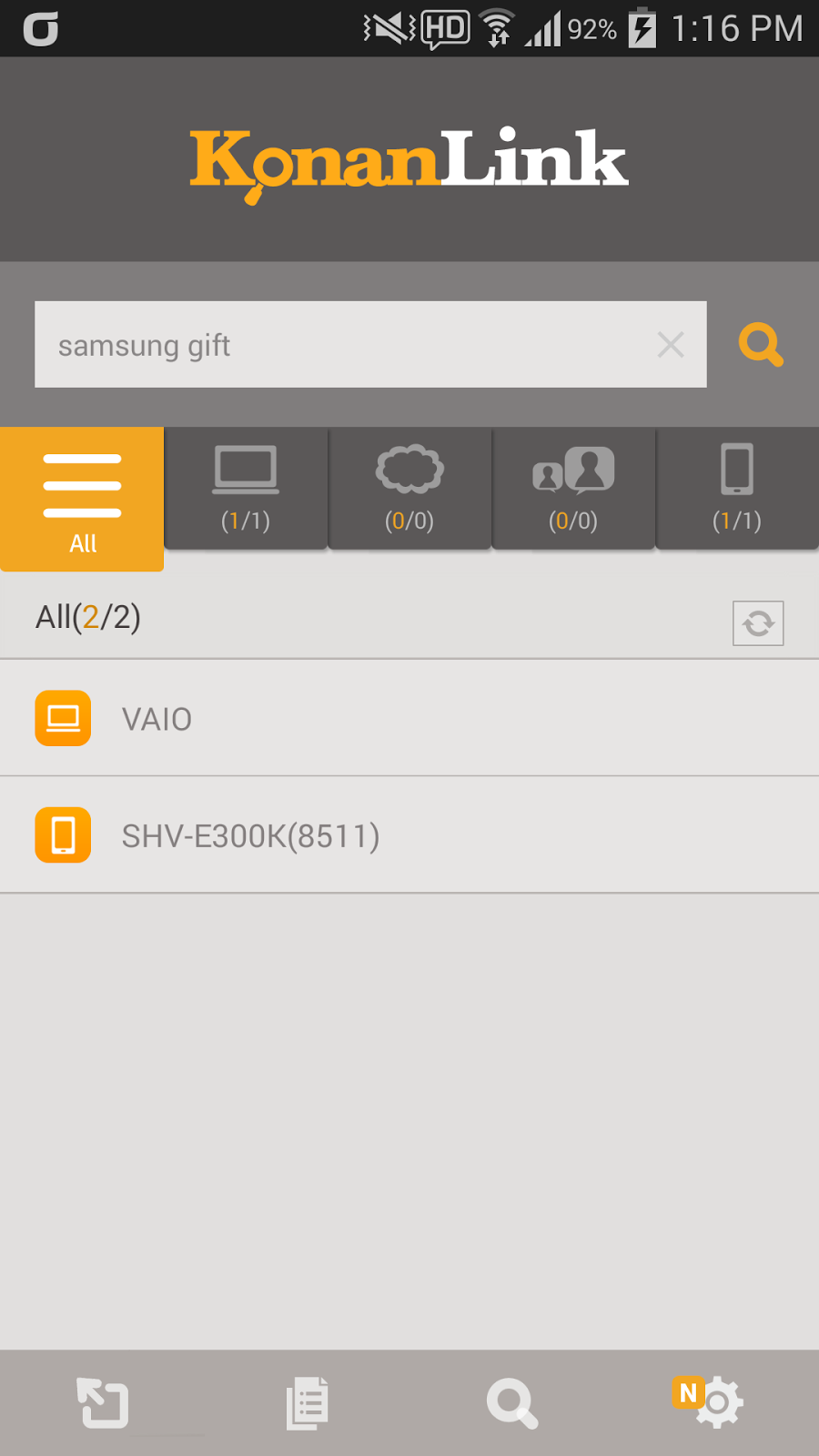
Run KonanLink app from your smartphone and type in the search keyword in the search bar. For example, if you want to search files related to Samsung Galaxy Gift, type in "samsung gift."


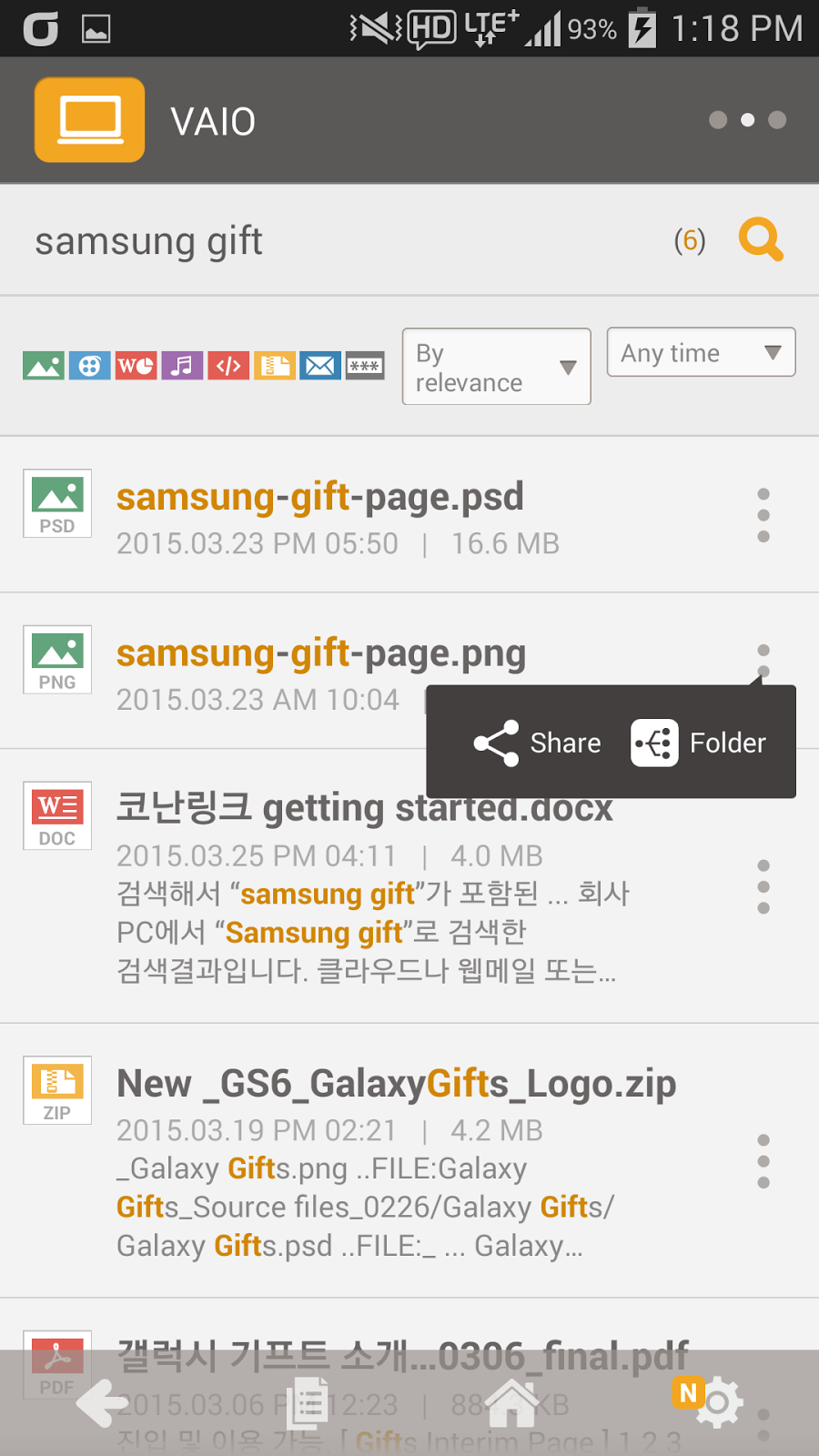
Currently, KonanLink searches searchable devices and shows files or Outlook mails that include "samsung gift." The picture below shows search results of "Samsung gift" from the office PC. To search Cloud, web mail, or Evernote at once, please refer here.


Check files or Outlook mails by clicking search results

By clicking a search result, you can check the relevant file or Outlook mail. For example, if you click "samsung-gift-page.png," you can see the screen as shown below.


Share the file with others

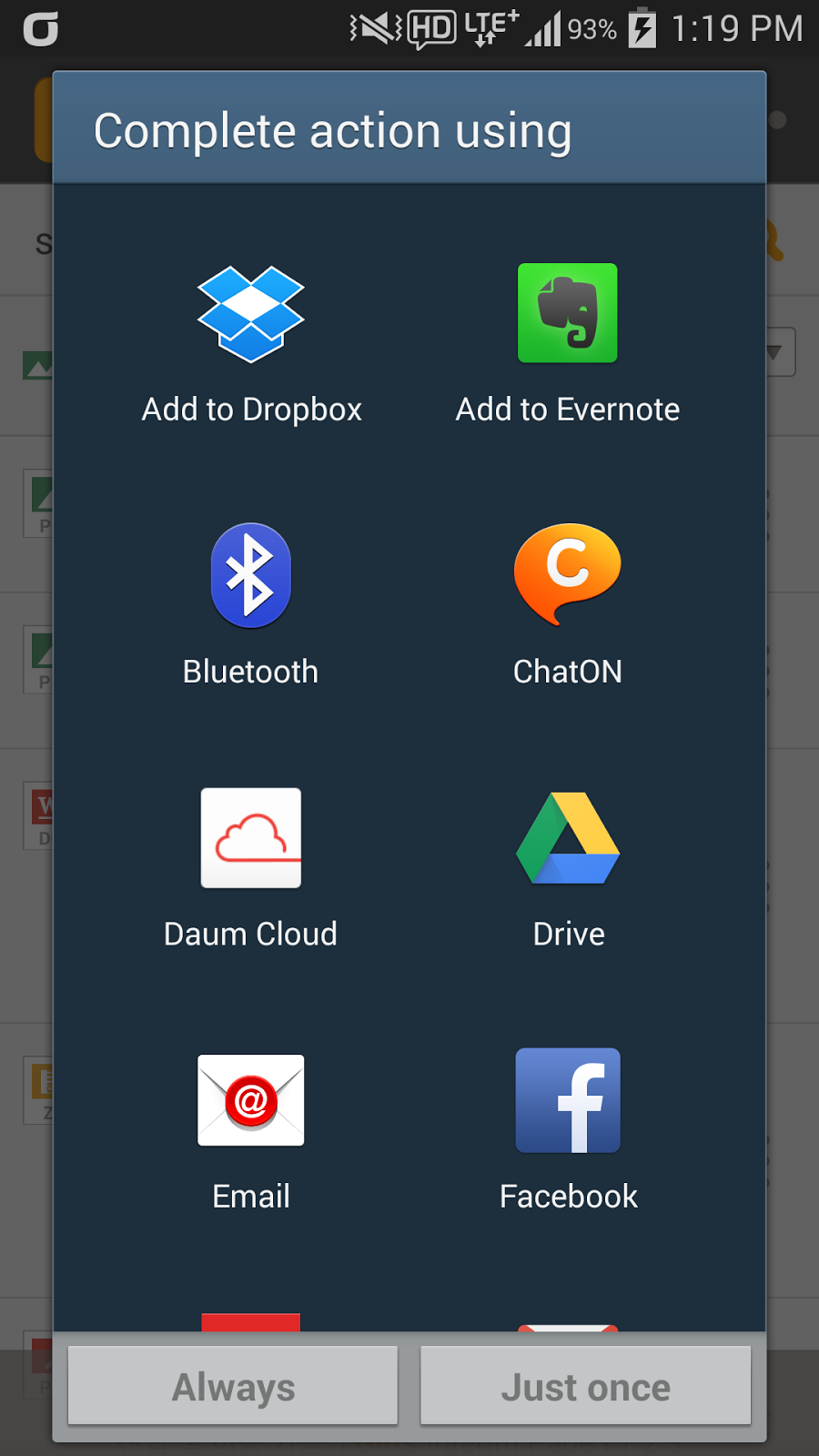
Tap …(More) shown on the right side of the search result, and tap share to send the relevant file or Outlook mail to your boss or customer immediately.


More info about KonanLink: www.konanlink.com

Learn About KonanLink

Installing KonanLink on iPhone or Android phone

Searching files using KonanLink


Searching files or Outlook mails in the office PC using iPhone or Android phone

Search Dropbox, Google Drive, Evernote, or Web mail (Gmail, etc.) using KonanLink

Mar 18, 2015

Installing KonanLink on iPhone or Android phone

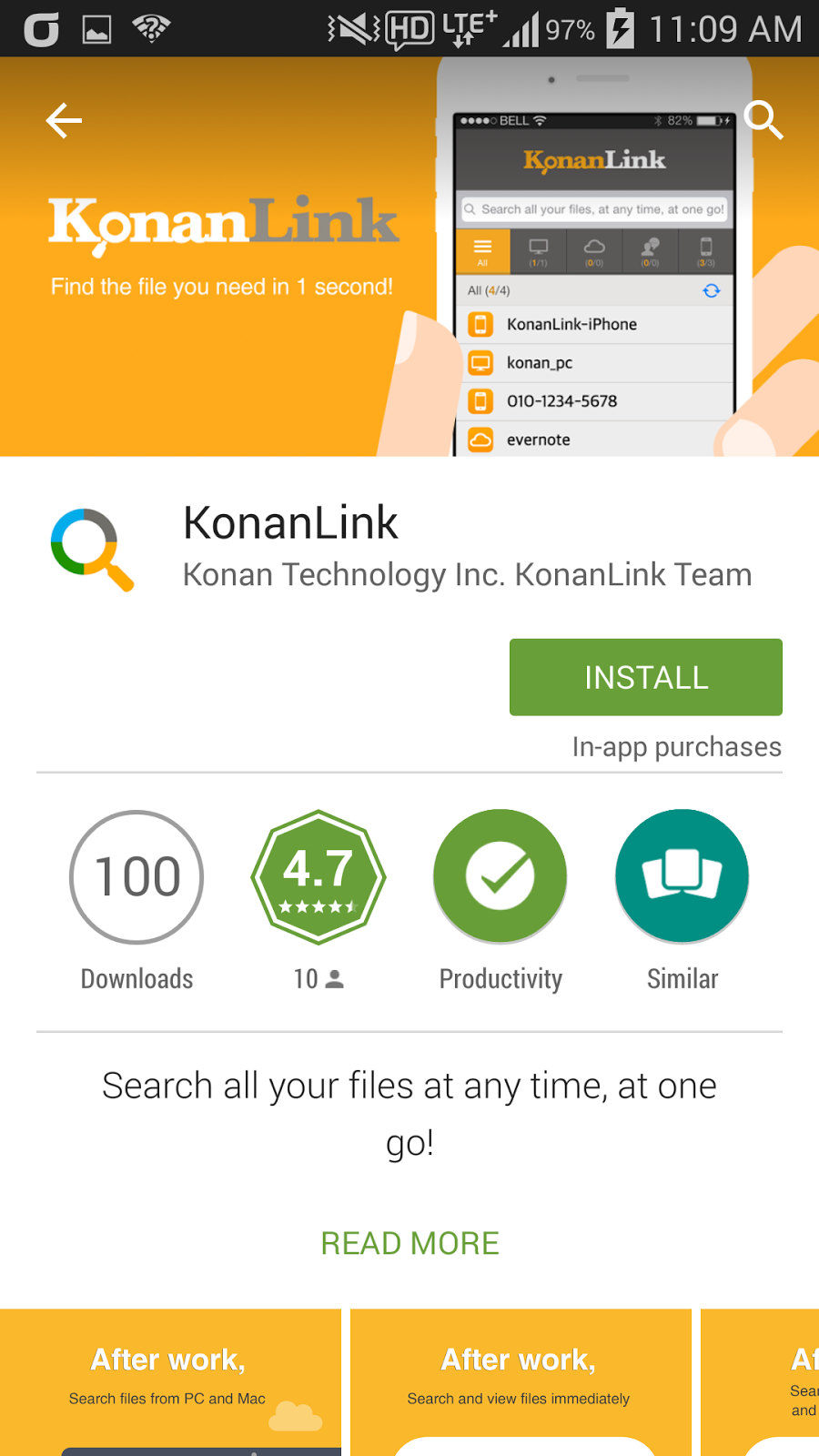
Install KonanLink from Apple Appstore or Google Play Store.

In order to use KonanLink from iPhone or Android phone, search and install KonanLink from Apple Appstore or Google Play Store.


Run KonanLink and sign in using the account created from the PC version.

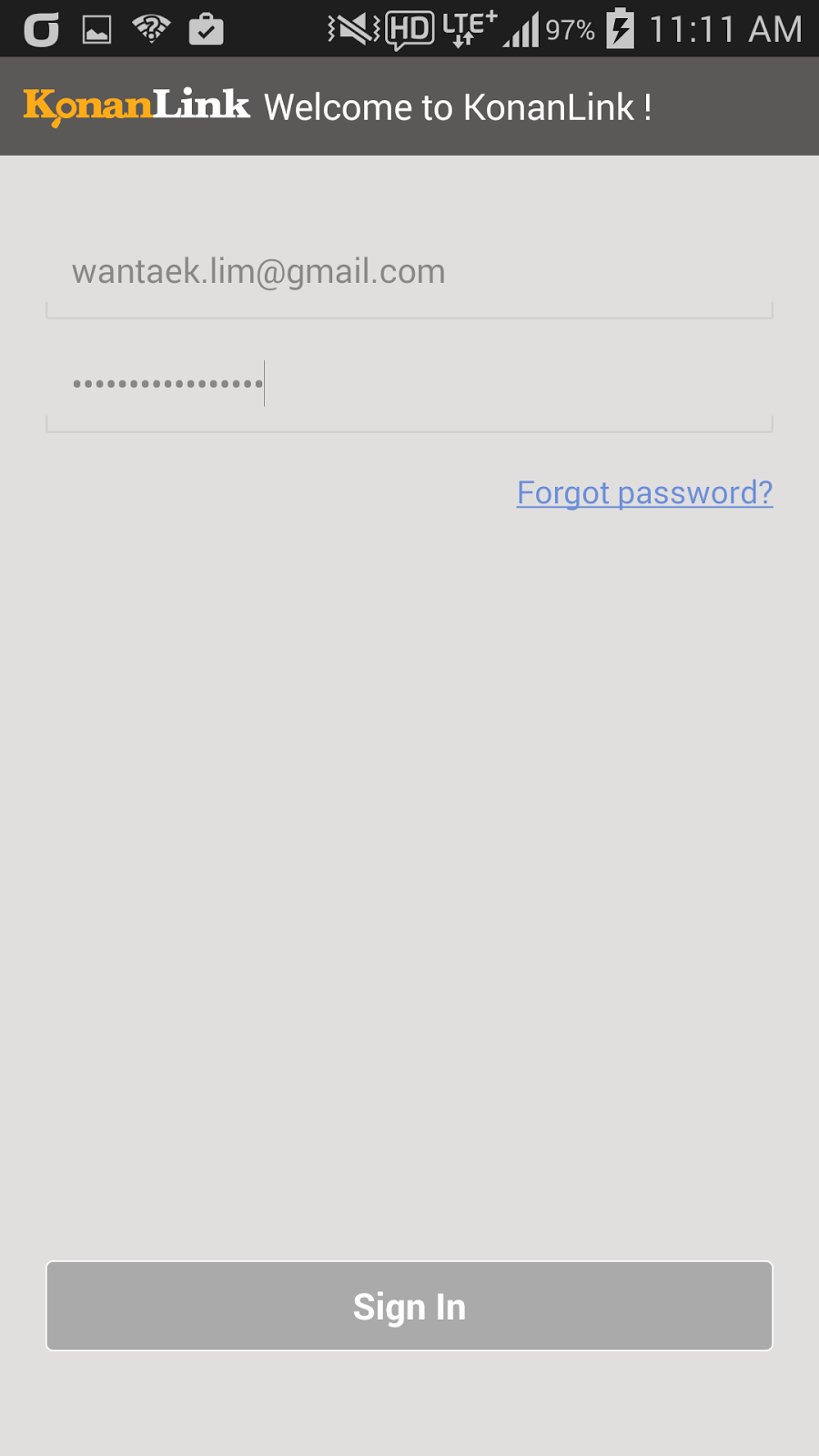
Now, run KonanLink from iPhone or Android phone and select "Sign In" button. If you did not install KonanLink on PC or Mac, select "Sign Up for KonanLink" button.

Type in the email address and password created from KonanLink PC or Mac version, and select “Sign In.”


Decide and select whether you want to search pictures or files in your iPhone or Android phone.

If you want to search pictures or files in your iPhone or Android phone using KonanLink, select "include in search," and if you do not want to search pictures or files in your iPhone or Android phone, select "exclude from search." In the sample screenshot, "include in search" is selected.


Even if you select "exclude from search," you can still search and share files and Outlook mails in your PC or Mac using iPhone or Android phone when you are out of the office for business trip or vacation.

Now, you can use KonanLink from iPhone or Android phone, as well.

You can search files in your PC/Mac and iPhone/Android phone using your iPhone or Android phone in just 1 second.


More info about KonanLink: www.konanlink.com

Learn About KonanLink

Installing KonanLink on iPhone or Android phone

Searching files using KonanLink

Searching files or Outlook mails in the office PC using iPhone or Android phone

Search Dropbox, Google Drive, Evernote, or Web mail (Gmail, etc.) using KonanLink