Showing posts with label Desktop search. Show all posts

Mar 2, 2016

[Notification] Search MS OneDrive files from KonanLink

KonanLink can now search MS OneDrive files.


So KonanLink supports the following devices:
-       2 user PCs (Windows, OSX)
-       2 smartphones (iPhone, Android phone)
-       Outlook
-       5 accounts from Dropbox, Google Drive, MS OneDrive, Evernote, webmail (IMAP) (You may use all 5 accounts as 'Google Drive' or 'MS OneDrive.' You may use both personal and office accounts)

Also, starting in mid-March, Gmail will be separated from webmail (IMAP), supporting webmail (IMAP) and Gmail service independently, and starting in late-March, file server will be supported.


Sep 10, 2015

KonanLink can search all devices used for office work at once

If you spend over 10 minutes shuffling through your office computer, Outlook mail, Dropbox, Google Drive, Evernote, web mail (Gmail or Yahoo mail, etc.), iPhone or Android phone to find the document you need for your report, then try KonanLink.

KonanLink searches all of your devices at once, so it takes merely a second to find files over a year old. Moreover it’s free.


Aug 13, 2015

KonanLink is a free personal multi-device search service that searches documents from various devices at once

Mr. A, an office worker in his 30s, uses various devices and services for work!

He creates documents from Windows PC, uses Outlook mail, and searches on internet to find important data. He uses Evernote to collect and arrange internet data, take important notes, and organize ideas. He uses Dropbox to share data with teammates and back up important files. He takes photos of the meeting with iPhone6. He shares documents using Gmail.


Searching the file in need from each and every device may result in inconvenience and waste of time.

"The report is due just around the corner, but I can't find the reference document...Was it in office PC? Google Drive? Evernote? Or maybe Outlook attachment file?"


KonanLink is a free personal multi-device search service that searches documents from various devices at once using PC, Mac, and smartphone.


Jun 16, 2015

Search Dropbox file contents

With Dropbox for Business, users can search file names as well as file contents (English only), but Dropbox Pro or Basic, used by majority of users, only allows users to search file names.

Therefore, when there are thousands of files saved in Dropbox, it may take up to 10~20 minutes to find the file needed.

With KonanLink, a free personal multi-device search service, users can search file names, as well as file contents at once.

KonanLink searches users' PC, Mac, iPhone, Android phone, Dropbox, Google Drive, Outlook mail, Gmail, Hotmail, as well as Evernote in 1 second. Moreover, KonanLink can be used with PC, Mac, and even iPhone and Android phone.

More info about KonanLink: www.konanlink.com


Jun 3, 2015

Busy, KonanLink!

Each day is hectic at work.

Shuffling through countless files and mails probably won’t be any help to your busy schedule. Especially, when you are looking for older files or mails, 10~20 minutes pass by before you even know it.

KonanLink is a free personal unified, multi-device search service that searches any file or mail, regardless of how old it is, in 1 second. Use KonanLink to save time and give yourself a quick break.

More info about KonanLink: www.konanlink.com


May 28, 2015

After work, KonanLink

For the cases below, KonanLink is the answer.

When you are out of the office, and you need to find a file or Outlook mail from office PC
When you are on your way to school and you realize that the report you worked on all night is saved in your Mac at home
When you are presenting for a partnering company, and the listener asks you a question that requires a reference file

KonanLink is a remote search service that finds files in 1 second from PC or Mac using iPhone or Android phone.

More info about KonanLink: www.konanlink.com


May 22, 2015

KonanLink is a free personal unified search, multi-device search service

KonanLink is a free personal unified search, multi-device search service!

User can search

his or her files, mails and even attachments 
  from personal PC, Mac, iPhone, Android phone, 
  Outlook mail, web mail (Gmail, Yahoo mail, Hotmail, etc.), 
  Google Drive, Dropbox, and Evernote

all at once

using Windows PC, Mac computer, iPhone, and Android phone

More info about KonanLink: www.konanlink.com


May 20, 2015

The easiest way to search PC and Mac from iPhone

For the cases below, KonanLink is the answer.

-  When you are out of the office, and you need to find a file or Outlook mail from office PC

When you are on your way to school and you realize that the report you worked on all night is saved in your Mac at home

When you are presenting for a partnering company, and the listener asks you a question that requires a reference file

KonanLink is a remote search service that finds files in 1 second from PC or Mac using iPhone or Android phone.

More info about KonanLink: www.konanlink.com

Apr 29, 2015

KonanLink is free of privacy issues

KonanLink, a free personal multi-device search service, creates and maintains index files in the user’s personal PC or Mac, and uses personal PC or Mac as the search engine.

Therefore, KonanLink does not save the user’s files or mails in KonanLink server. In other words, the user’s files or mails are stored in the user’s device, index files are saved in the user’s computer, and the search engine is in the user’s PC or Mac, which reassures that there is no issue of file leakage or exposure.

More info about KonanLink: www.konanlink.com


Apr 13, 2015

[Notification] Extended Support of Outlook Mail Search

Previously, KonanLink users could only search Outlook inbox folders and attachment files, but from now on, users can search Outlook inbox folder, as well as sent folder and other customized local folders. Of course, attachment files can be searched within 1 second, as well.


Moreover, instead of updating index files for Outlook mail search at 1AM everyday, KonanLink now frequently updates index files so that users may search sent or received emails immediately.

Apr 2, 2015

Search Dropbox, Google Drive, Evernote, or Web mail (Gmail, etc.) using KonanLink

In addition to PC or Mac, KonanLink can search various devices in 1 second.

When you are working, you

-  create documents from PC
-  back up or share documents with your teammates using Cloud
-  Send and report important documents to clients, other teams or boss 
   using Outlook mail
-  Memo important ideas, create task lists or check them using Evernote
-  Send personal mails using web mails, such as Gmail

As listed above, you probably utilize multiple devices and services, but it is difficult to shuffle through every single device and service to find the file or mail you need. Especially for older files, it may take up to 10~20 minutes just to find them.

KonanLink is a personal unified search service that helps users to search various devices often used in the office within 1 second.

Register the devices you want to search in KonanLink.

Currently registered devices are PC, smartphone, and web mail. If you also want to search Dropbox files using KonanLink, you simply need to register the Dropbox account in KonanLink.

To register devices in KonanLink, click KonanLink account on the upper right corner, and click "Device Settings" menu.


From Device Settings menu, click "register" button placed next to Evernote, and a third party authentication page for Evernote will show up on the browser.


Type in your Evernote account ID and password, and click the "sign in" button.


Now, you can search Evernote memos using KonanLink, as well.


More info about KonanLink: www.konanlink.com

Learn About KonanLink

Installing KonanLink on iPhone or Android phone

Searching files using KonanLink


Searching files or Outlook mails in the office PC using iPhone or Android phone

Mar 24, 2015

Searching files using KonanLink

Type in the search keyword in KonanLink search bar.

If you want to search file or Outlook mail from your PC, Mac, iPhone, or Android phone with KonanLink installed, type in the search word included in the file that you wish to search in the search bar. For example, if you want to search files related to Samsung Galaxy Gift, type in "samsung gift."


Currently, KonanLink searches searchable devices and shows files or Outlook mails that include "samsung gift." Searchable devices in the sample picture are PC (computer name VAIO) and Android phone that have KonanLink installed. To search Cloud, web mail, or Evernote at once, please refer here.


Check files or Outlook mails by clicking search results

By clicking a search result, you can check the relevant file or Outlook mail. For example, if you click "samsung-gift-page.png," you can see the screen as shown below.


More info about KonanLink: www.konanlink.com

Learn About KonanLink


Installing KonanLink on iPhone or Android phone

Searching files using KonanLink

Searching files or Outlook mails in the office PC using iPhone or Android phone

Search Dropbox, Google Drive, Evernote, or Web mail (Gmail, etc.) using KonanLink

Mar 18, 2015

Installing KonanLink on iPhone or Android phone

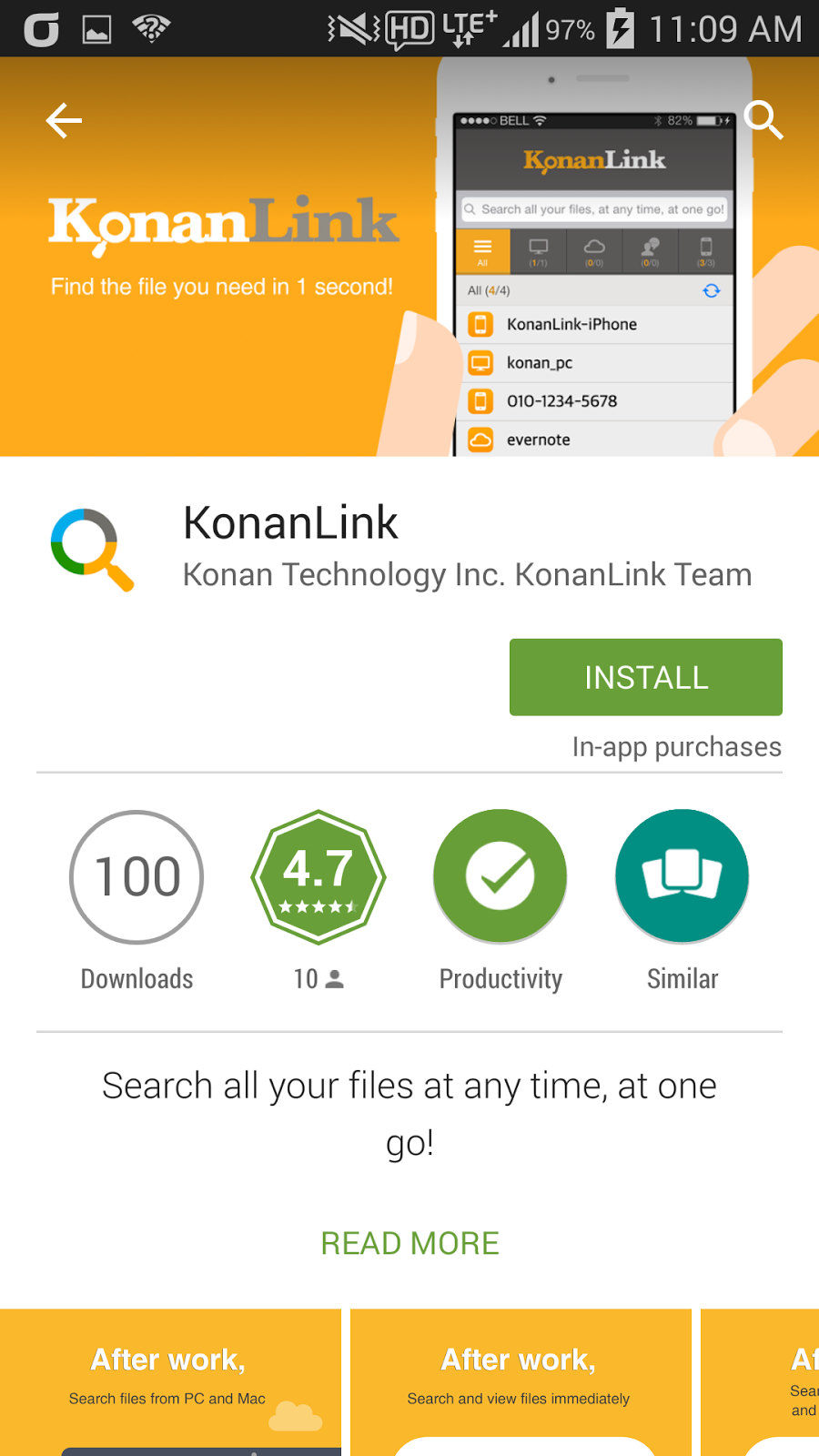
Install KonanLink from Apple Appstore or Google Play Store.

In order to use KonanLink from iPhone or Android phone, search and install KonanLink from Apple Appstore or Google Play Store.


Run KonanLink and sign in using the account created from the PC version.

Now, run KonanLink from iPhone or Android phone and select "Sign In" button. If you did not install KonanLink on PC or Mac, select "Sign Up for KonanLink" button.

Type in the email address and password created from KonanLink PC or Mac version, and select “Sign In.”


Decide and select whether you want to search pictures or files in your iPhone or Android phone.

If you want to search pictures or files in your iPhone or Android phone using KonanLink, select "include in search," and if you do not want to search pictures or files in your iPhone or Android phone, select "exclude from search." In the sample screenshot, "include in search" is selected.


Even if you select "exclude from search," you can still search and share files and Outlook mails in your PC or Mac using iPhone or Android phone when you are out of the office for business trip or vacation.

Now, you can use KonanLink from iPhone or Android phone, as well.

You can search files in your PC/Mac and iPhone/Android phone using your iPhone or Android phone in just 1 second.


More info about KonanLink: www.konanlink.com

Learn About KonanLink

Installing KonanLink on iPhone or Android phone

Searching files using KonanLink

Searching files or Outlook mails in the office PC using iPhone or Android phone

Search Dropbox, Google Drive, Evernote, or Web mail (Gmail, etc.) using KonanLink